
Category: Uncategorized

  • Aftercare That Actually Closes: How the Right System Transforms Post-Build Customer Care

    Aftercare That Actually Closes: How the Right System Transforms Post-Build Customer Care

    In housebuilding and construction, aftercare is where reputations are made or broken. A defect left unresolved, a booking never confirmed, an engineer who turned up with no context — these aren’t just operational failures, they’re the moments that turn a satisfied buyer into a vocal critic. The challenge isn’t usually the will to deliver good aftercare. It’s the systems — or lack of them — that let jobs slip, pile up, and stay open far longer than they should.

    Closing customer care jobs efficiently, completely, and with full accountability requires more than a spreadsheet and good intentions. Here’s how a purpose-built system can fundamentally change your aftercare close rate — and why that matters.


    The Real Cost of an Open Job

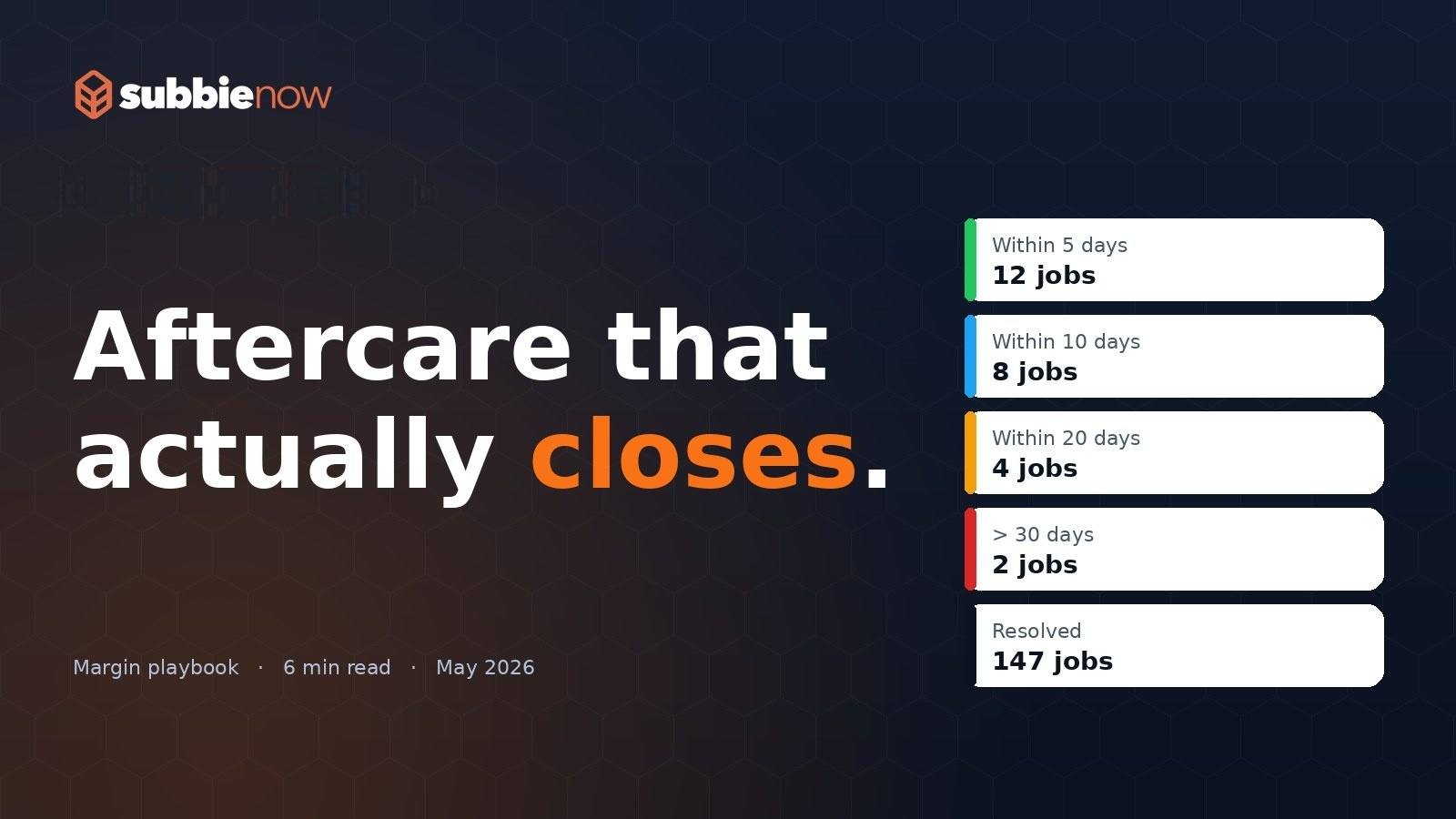
    Every day a customer care job stays open is a day your team is managing it, your client is chasing it, and your homeowner is waiting. The Days Open counter in the Customer Care List makes this visible in real time — showing exactly how long each job has been active since it was raised. Colour-coded rows escalate urgency automatically based on how long a job has been open, so nothing quietly ages in the background. Once a job is marked complete, it drops back to neutral, giving your team a clean, unambiguous picture of what still needs to be closed.

    This visibility alone changes behaviour. When everyone can see how long jobs have been open, the pressure to close them becomes structural rather than personal.


    Booking That Doesn’t Fall Through the Cracks

    One of the most common reasons aftercare jobs stay open is simple: they never get properly booked. The Customer Care Calendar provides a live view of every site and every job, colour-coded by status. Jobs without a booked date are immediately identifiable. Jobs overdue from a past date are flagged in red. Rescheduled jobs appear in amber, making it obvious which ones have already been moved once — and therefore warrant closer attention.

    The calendar isn’t just a read-only display. Managers can drag and drop jobs between engineers, switch them between AM and PM slots, and see the whole picture across their portfolio for any given week. When a booking changes in the calendar, the underlying job record updates automatically. There’s no transcription, no double-entry, no version mismatch between what the system says and what the engineer is actually expecting.

    Once a booking is confirmed, a Booking Confirmation email can be sent directly from the job record to both the homeowner and the client — with a single click, from a pre-built template. The homeowner knows when to expect someone. The client knows it’s in hand. That’s one fewer chaser, and one fewer reason for a job to stall.


    Engineers Who Arrive Informed and Leave With Evidence

    Aftercare closes faster when engineers don’t need to ring the office for context. On the Operative Portal — accessible on both desktop and mobile — each engineer sees their AM and PM jobs for the day, pre-loaded with the site, plot, address, customer contact details, operative notes from the admin team, and the latest update. Everything they need is already there.

    When they complete the job, they complete a structured form on the same device. Before-and-after photos, description of works, hours spent, materials used — all captured in the field, in real time, and attached directly to the job record. The admin team can see it the moment it’s saved. There’s no paper trail to process, no photos to chase, no phone call to confirm what was actually done.

    Critically, the form also asks who was at fault and whether the customer was in attendance. These aren’t just data points — they’re the kind of accountability fields that protect your business and help you identify patterns across your sites.


    Revisits That Don’t Become Black Holes

    One of the most damaging things in aftercare is a revisit that nobody properly authorised. An engineer flags that further work is needed, someone makes a note, and three weeks later nothing has happened — the original job is marked complete but the actual problem isn’t resolved.

    The system handles revisits through a formal approval workflow. When an engineer identifies that a further visit is needed, they record their revisit notes and any materials required directly in the form. That request lands in the Revisit Requests section of the admin record, where it sits in an Awaiting Approval status until a manager reviews it. If approved, the system automatically creates a new customer care job, pre-populated with all the details from the original — so nothing needs to be re-entered and nothing gets lost in translation. If rejected, it’s logged and closed. Either way, there’s a clear audit trail.

    No revisit falls through the gap. No homeowner is left waiting because a request was never actioned.


    Communication That Closes Loops

    A job doesn’t feel closed to a homeowner until they’ve heard from someone. The system supports four types of outbound communication from within the job record: a Booking Confirmation, a Customer Update, a Builder Update, and a Quote for chargeable work. Each uses a pre-built template, each is sent from the job record, and each is logged automatically in the job’s email history with timestamps.

    The Customer Update requires a populated Latest Update field and a customer email address. The Builder Update requires a Latest Update. These validation rules aren’t obstacles — they’re prompts. They ensure communication only goes out when there’s actually something substantive to say, and they keep the Latest Update field maintained as a running record of where the job stands.

    Your clients get Builder Updates that keep them informed without needing to call. Your homeowners receive direct updates that demonstrate the job is actively being managed. That’s the kind of communication that builds confidence — and that confidence makes it easier to mark a job as complete without facing a dispute.


    Exports That Give You the Full Picture

    When you need to report on aftercare performance — to a client, to management, or for your own audit — the Export function produces either a detailed CSV or a colour-coded spreadsheet. You can filter by date range, by client, by issue date or booked date, and choose whether to include invoice values or restrict to chargeable jobs only.

    The spreadsheet output uses the same red, amber, green logic as the live system: red for unbooked jobs, amber for revisits, green for completions. Hand it to a client and they can see at a glance the current state of their portfolio. That transparency, delivered consistently and professionally, is what turns aftercare from a reluctant obligation into a genuine differentiator.


    Closing Jobs Is About Removing Friction

    Aftercare that closes isn’t just about motivated teams or good intentions. It’s about removing every point of friction that lets a job stay open longer than it should. An unbooked job that nobody notices. An engineer who turns up without the right information. A revisit that was never formally approved. A homeowner who hasn’t heard anything for two weeks. A client who has to call to find out what’s happening.

    A system built specifically for customer care management addresses all of these simultaneously — not by adding process, but by making the right process the easiest thing to do. When booking, communication, field completion, revisit management, and reporting all live in one connected system, jobs close faster, evidence is captured automatically, and your team spends less time chasing and more time completing.

    That’s aftercare that actually closes.
  • Clipboard to pocket: rebuilding the operative day.

    Clipboard to pocket: rebuilding the operative day.

    For two decades, subcontractor field work has run on a clipboard. Pre-printed sheets, a biro, a phone in a pocket for the photos that never get sent, and an end-of-week reconciliation that takes longer than the job itself. We’ve all seen the file box of timesheets. We’ve all chased a missing day’s work because a sheet got rained on.

    The temptation, when teams move to digital, is to rebuild the clipboard on a phone. Forms that mirror the paper. A submit button at the bottom. Done.

    That approach is why so many mobile rollouts stall. Operatives don’t want a paper form on a small screen — they want fewer steps. This article is about the small choices that decide whether your app gets used, drawn from watching hundreds of subcontractor teams adopt mobile tooling.

    The three failure modes

    Mobile rollouts fail in remarkably consistent ways. Almost every stalled project we’ve reviewed fell into one or more of these three buckets.

    Failure mode 1: too much, too fast. The office IT team rolls out everything at once — tasks, submissions, orders, consumables, variations, customer care, forms, site reports. Operatives faced with eleven new things to learn revert to the clipboard. The platform sits at 12% adoption six months in.

    Failure mode 2: no plot context. The app asks for a job number, a record code, a quantity. The operative is on a third-floor flat, in the rain, with cold fingers. They put the wrong code in. The office spends Monday morning correcting twenty submissions. Trust collapses.

    Failure mode 3: nothing visible changes. The operative submits work. The office processes it on Friday. The operative finds out on payday whether it was approved. There is no signal in the field that the system is doing anything, so the system is not real.

    The shape of an operative day that works

    The operatives we’ve watched succeed with SubbieNow follow a remarkably consistent pattern. It’s worth describing in plain terms.

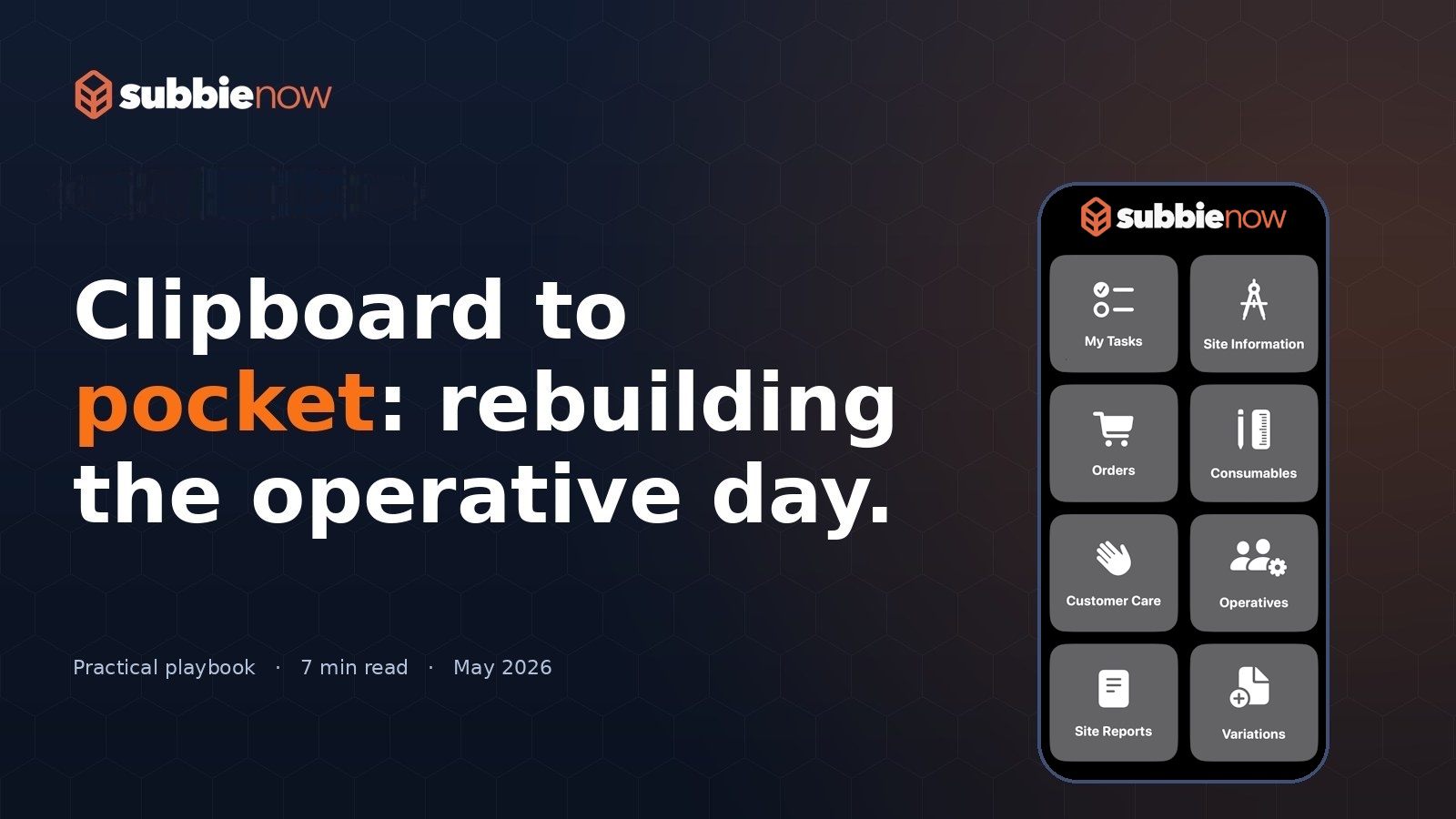
    On arrival. They open the app, see the tasks allocated to them for that day, and tap into the first one. The task carries plot context — drawings, materials list, specifications — so there’s no walk back to the van for a paper sheet.

    During the work. If they need materials, they raise an order from the app against the plot. If they spot a variation, they photograph it and submit it as a variation against the plot. If the customer asks for something off-spec, they capture it as a customer care record at the same point. Everything attaches to the plot automatically.

    At completion. They mark the task complete and the work submission opens with plot, record and quantity pre-filled from the task itself. The operative confirms the quantity, hits submit, and the system rolls the value live into the office’s application total.

    Visible feedback. Within minutes, the operative sees the submitted value in their own running totals (approved, pending, rejected, submitted). They never wonder whether the office got it.

    The single biggest predictor of adoption is whether the operative can see the consequence of their action on their own screen, in real time. Approved totals visible to the operative themselves are the closest thing to a magic adoption lever we’ve found.

    Choosing what to switch on first

    If you take only one operational insight from this article, take this: start with tasks and work submissions. Nothing else. Get the loop of “task issued → task completed → submission raised → totals updated” working for every operative, every day, for two weeks.

    Then layer in orders, because the savings show up on the next purchasing cycle and operatives feel them. Then variations, because the QS feels it. Then site reports, because the contracts manager feels it. Then customer care, because aftercare margin recovers. Then forms, because compliance gets cheaper.

    That’s six rollouts, not one. Each one takes a week. By month two, every operative is in the app every day, the office has stopped processing paper, and the contracts manager is seeing the site from a dashboard instead of a phone call.

    What you stop doing

    The hardest part isn’t the adoption — it’s the discontinuation. Mobile-first only works if the paper alternatives are taken away. Half the failed rollouts we’ve seen are rollouts where the old paper sheets were still being accepted “as a fallback”. Operatives revert; the office processes both; nobody benefits.

    Pick a date. Stop accepting paper. The discomfort lasts about four days.

  • How subbies shrink the quote-to-cash gap.

    How subbies shrink the quote-to-cash gap.

    Almost every subcontractor we talk to has a margin leak in the same place: the gap between work done and money received. It rarely shows up as a single bad month. Instead, it shows up as a creeping drift — applications drafted late, valuations contested in long email chains, retentions forgotten, certified work re-applied for next month because nobody can find the original. By the time the bank-feed says it, the damage is six weeks old.

    This article is a practical playbook for closing that gap. It’s drawn from twenty months of working alongside UK subbies and watching what the high-performers do differently. None of it requires hiring; most of it requires re-sequencing.

    1. Stop treating applications as paperwork

    The number-one shift among subcontractors who get paid quickly is that they treat the application as the deliverable — not a by-product of the deliverable. If you measure operatives on “work done”, you’ll get work done. If you measure them on “work submitted and approved”, you’ll get cashflow.

    The most useful operational change is removing the gap between completion and submission. In SubbieNow that means operatives raise the work submission on the same screen they marked complete, and totals roll up live into the office portal so the QS sees what’s chargeable before week-end. The team that previously cut-off submissions at 4pm Friday now sees applications worth £40k–£90k clear the office by Thursday lunchtime.

    Rule of thumb: if your office is doing data entry on Friday afternoon to pull together Monday’s application, your application cycle is structurally too slow. Submissions should land on the application as they happen, not at week-end.

    2. Make the rejection reason a feature, not a fight

    Applications get held up by disputes, but most disputes are not big-ticket arguments — they’re small queries that get bundled, then escalated, because nobody remembers what was originally rejected. Capturing the rejection reason at the point of rejection, against the line item, with photo evidence attached, turns “we’ll resolve it in the meeting” into “we’ll resolve it in two clicks”. One SubbieNow user calls this their “queue-of-one”: every rejection becomes a single re-submittable record with everything needed to clear it.

    3. Charge for variations the moment they happen

    The single biggest source of margin erosion we see is unrecorded variations. Some are forgotten entirely; some are mentioned in WhatsApp and never reach the QS; some are agreed verbally and never confirmed. By the time the application goes in, the price has been built around the original drawings and the £20k of extras has evaporated.

    The fix is process more than tooling, but tooling helps. A variation register that any contracts manager or operative can write to from site — with image, location, time, requested-by — converts an evening’s reconstruction into a five-second record. Combined with a rule that no variation gets started until logged, this single change typically lifts margin by 3–6%.

    4. Send the client the same view you’re looking at

    Application disputes are usually really information-asymmetry disputes. The client’s QS sees a number with no audit trail; the subcontractor sees a number with full backing data. The only way to close the gap is to give the client a view of the underlying records — by plot, by record, by date. The high-performers we work with literally screen-share the live application portal during valuation calls. It changes the conversation from “I think this is wrong” to “show me line 47”.

    5. Treat retentions like a calendar, not a liability

    The other quiet margin killer is retentions. They are owed, but they’re invisible because they sit in a “later” bucket. Most subbies discover their retention release dates by accident, months after the trigger event. The fix is to log retention release dates against the application that produced them and put them on the calendar. SubbieNow customers chasing retentions this way collect, on average, 24% more retention value than those tracking them in spreadsheets — purely because they ask earlier.

    What “good” looks like

    Across our customer base, the median subcontractor reduced average days-to-payment from 34 days to 19 days in the first six months of running their applications through SubbieNow. That’s not because the platform is magic — it’s because the platform forces the underlying behaviours: submit at point of completion, dispute at point of rejection, log the variation as it happens, surface the retention before it’s overdue.

    The investment isn’t software, it’s discipline. The software just makes the discipline cheaper to maintain.